The browser repeatedly reported Cannot read properties of null (reading 'getGFXTexture'):
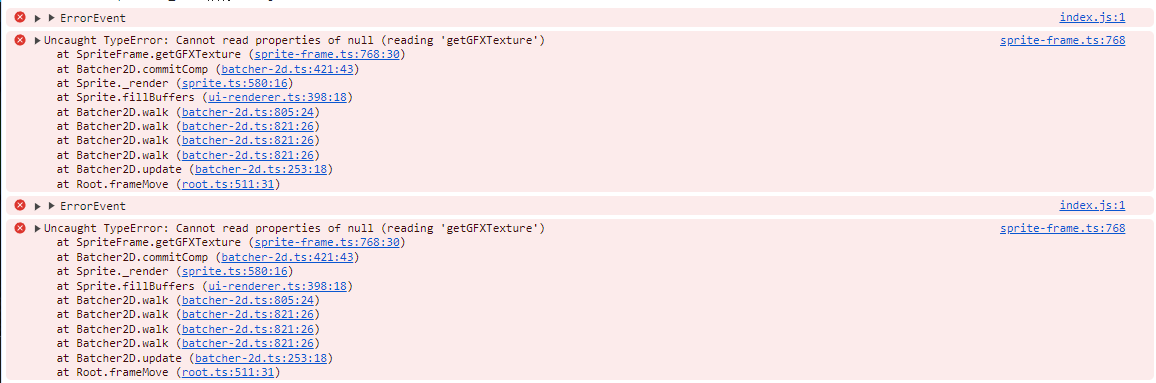
The underlying image texture had become invalid or empty. Enable Cocos source debugging in VS Code, stop at the failing frame, and inspect the frame object:

Copy its uuid, search for it in the Cocos Creator Assets panel, then use Find UUID References on that image:

Fix the broken asset or reference rather than merely suppressing the null error.

