When creating an iOS development provisioning profile, you need the test device’s UDID. Connect the iPhone to your Mac, open Finder, and select the phone in the sidebar:
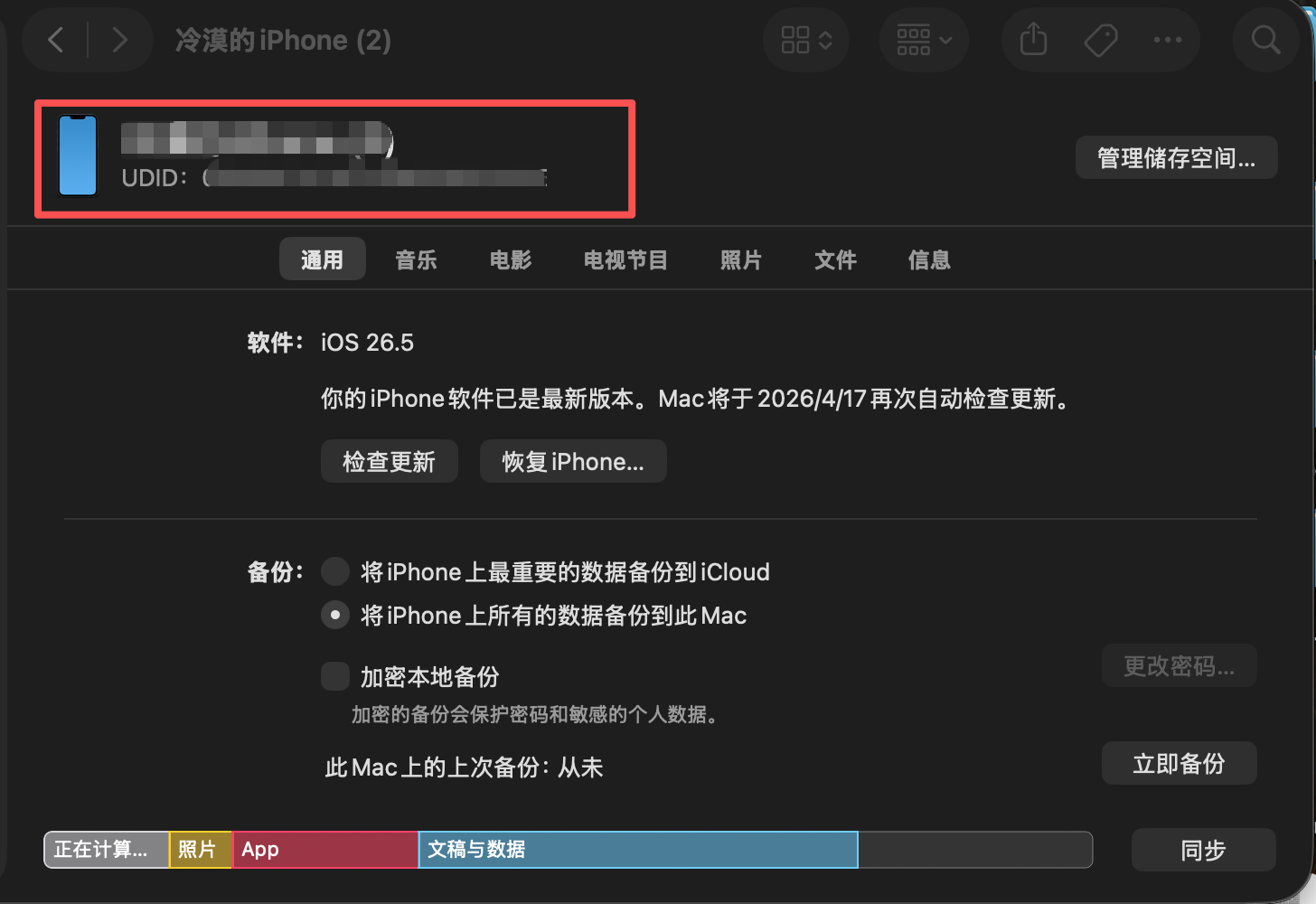
Finder does not normally display the UDID immediately. Click the device-information area highlighted in the image. Clicking it cycles through several identifiers until the UDID appears. You can then copy it and register the device in the Apple Developer portal.

