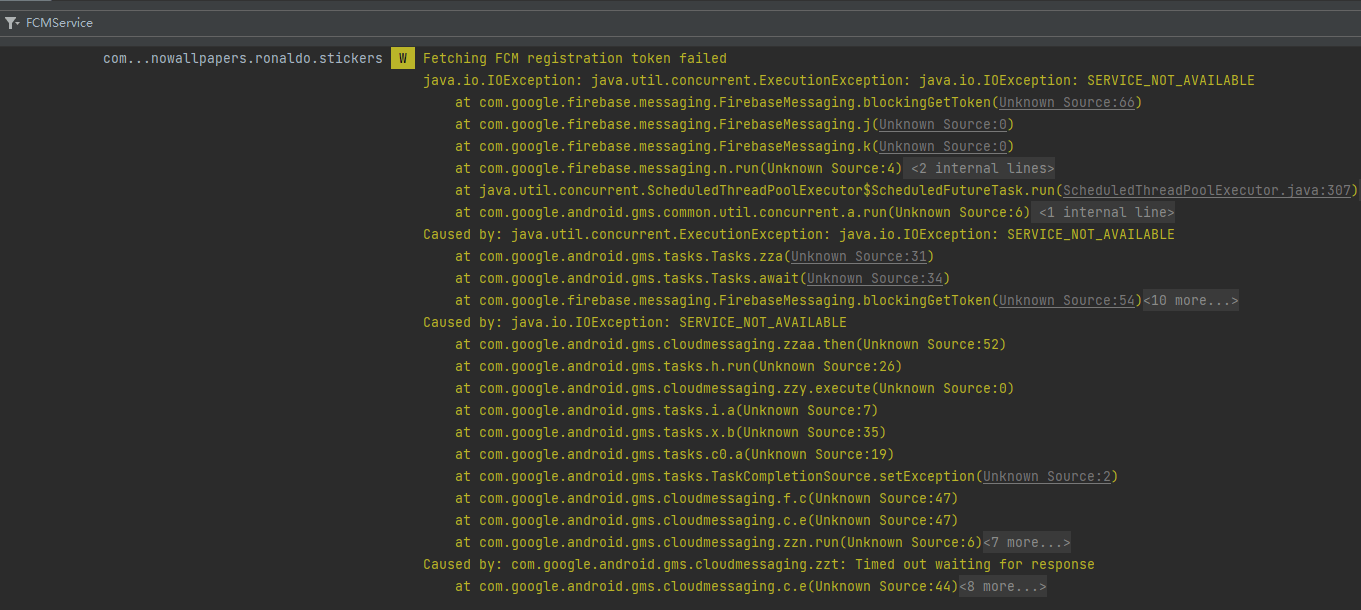
After integrating Firebase Cloud Messaging, the app sometimes crashed during its first two minutes. The log showed:
1 | Fetching FCM registration token failed |
First verify Google Play Services availability:
1 | public static boolean supportsGoogleServices(Context context) { |
Dependency:
1 | implementation 'com.google.android.gms:play-services-base:18.5.0' |
The service may also be unavailable because of the device’s network environment. More importantly, do not call task.getResult() after a failed task. Return immediately or handle the exception:
1 | FirebaseMessaging.getInstance().getToken().addOnCompleteListener(task -> { |
After guarding the failed result and uninitialized token, the crashes stopped.

