When using a particular iPhone for on-device testing for the first time—especially after updating it to a new iOS version—Xcode may display this message:
1 | Copying shared cache symbols from xxx iPhone (2) (36% completed) |
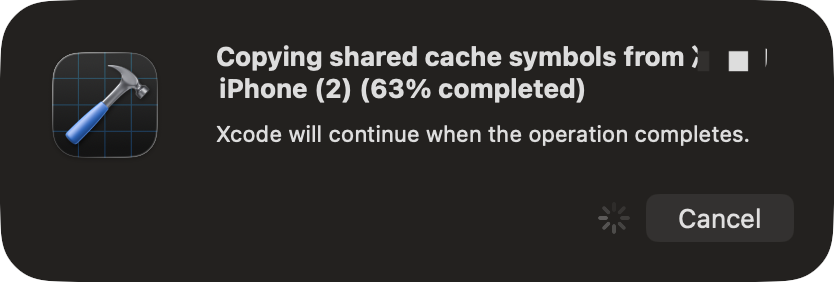
There is no need to panic. Xcode is copying system symbols from the iPhone. It uses these symbols later for breakpoint debugging, crash-log symbolication, and analysis of system call stacks.
Why does it take so long?
The first transfer can be slow. Its duration depends on the amount of data on the device, the cable’s transfer speed, and the performance of the Mac. Leave the phone connected and wait for Xcode to finish.

