I encountered the following errors while integrating AdMob into an iOS project:

1 | Undefined symbol: __swift_FORCE_LOAD_$_swiftCompatibility51 |
All three errors have the same cause: the project uses Swift or Swift-compiled products, but the corresponding Swift compatibility libraries were not included during the final link stage. This is not an application-code error; the required libraries simply need to be linked.
Method 1: Add the .tbd libraries
Add the libraries to Link Binary With Libraries on the main app target:
1 | Main App Target |
If the search shows identically named results under Project, Apple SDKs, and Developer Frameworks, select Apple SDKs. The Project result is usually an existing reference and may not point to the correct .tbd file in the current Xcode SDK.
After adding the libraries, run Product → Clean Build Folder.
Method 2: Use Other Linker Flags
If no selectable result appears when you click +, open:
1 | Main Target |
Add:
1 | $(inherited) |
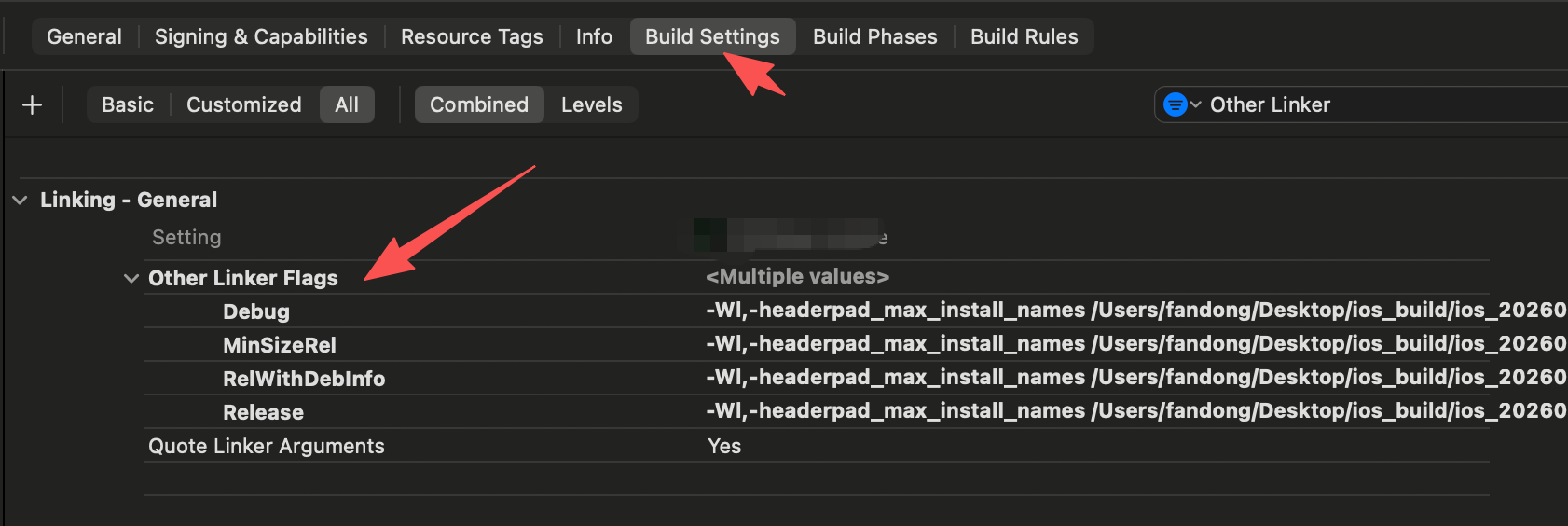
Add these settings to the main target—not Pods or the project—and confirm:
1 | Always Embed Swift Standard Libraries = YES |
If you then encounter library 'swiftCompatibility51' not found, open Build Settings → Library Search Paths:
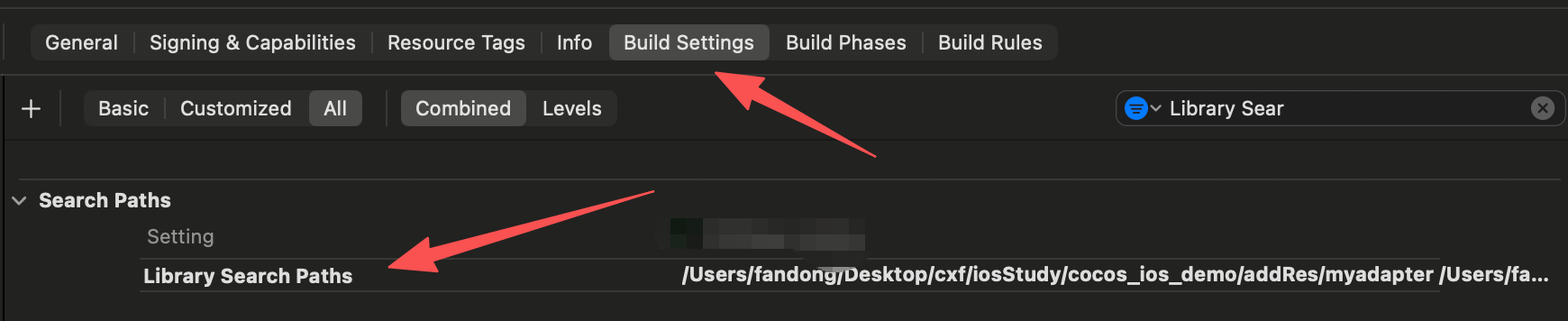
Add:
1 | $(inherited) |
Tip: use the search field in Build Settings to locate these options quickly. The project should now compile successfully.
Runtime issue
After solving the compilation problem, I encountered another issue at runtime:
1 | Failed to look up symbolic reference at 0x102b818e7 - offset 470721 - symbol symbolic _____Sg ScP in |
The application froze when this occurred. It is also a compatibility issue, but unlike the linker error, it appears only when the related feature runs.
In the main target, check Build Settings → Runpath Search Paths and ensure it contains:
1 | $(inherited) |
Google’s manual integration instructions also require /usr/lib/swift in Runpath Search Paths and -ObjC in Other Linker Flags. See Google Ad Manager.
Finally, verify that Build Settings → Other Linker Flags contains:
1 | $(inherited) |
My project was missing part of this configuration. After adding it, the application compiled and ran normally.

