A project may work in the browser but fail only in an exported Android build. Native JavaScript debugging is much faster than repeatedly adding logs and rebuilding.
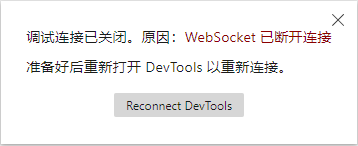
If the debugger cannot connect, verify all of the following:
- Enable
Debug Modewhen building in Cocos Creator. - Disable proxies on both phone and computer.
- Keep the game running on the phone.
- Start debugging from Android Studio.
- Put both devices on a reachable network and approve any firewall prompt.
See the Cocos Creator native-platform JavaScript debugging documentation for the matching engine version.

