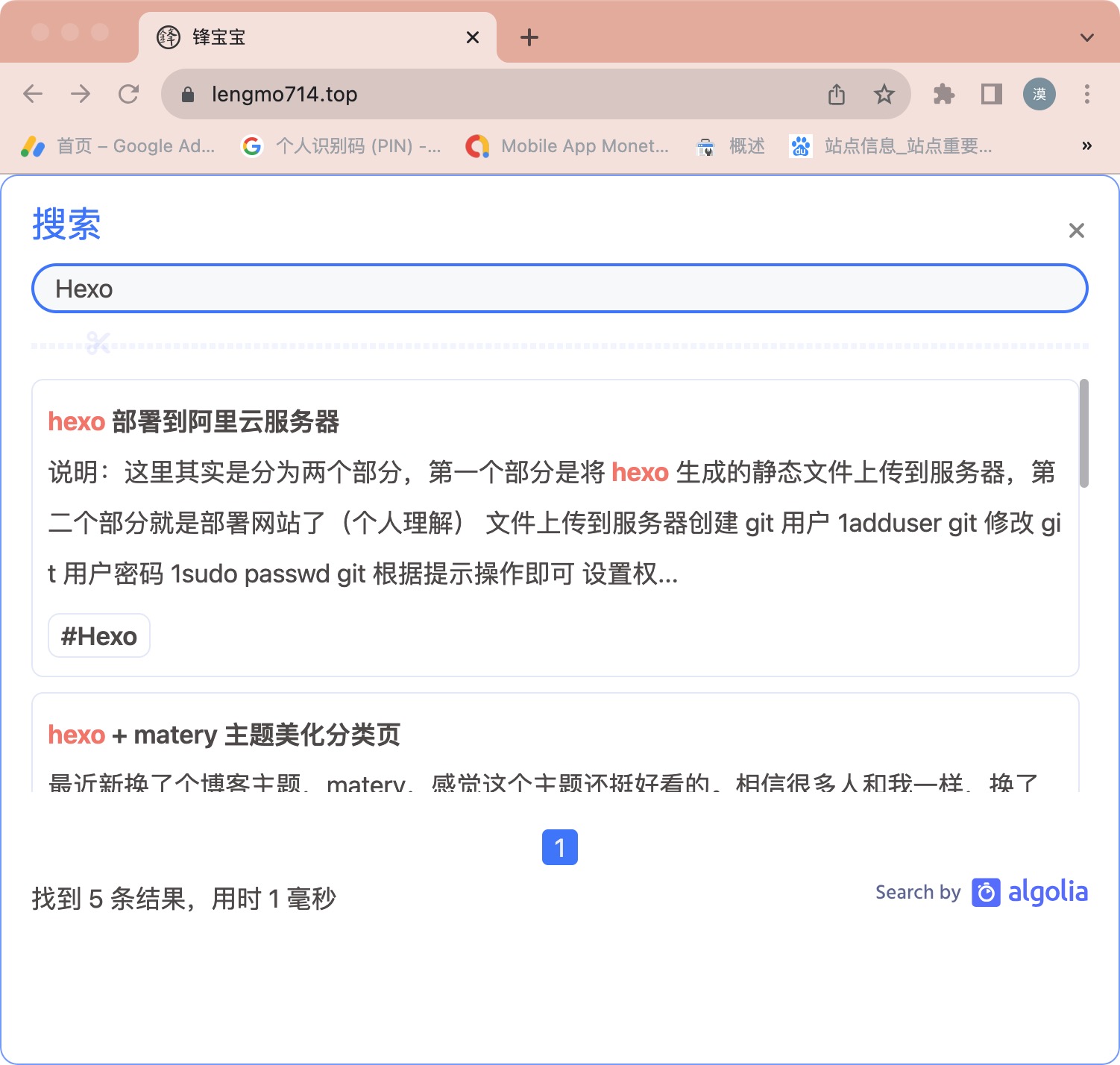
My blog previously had no search feature, so I added one with Algolia. These are the important setup points.
Create an Algolia account
Register through the Algolia dashboard and create an application and index.
Install the Hexo integration
Install and configure hexo-algoliasearch by following its documentation. Map the application ID, index name, and search-only key to the corresponding fields in your Hexo/theme configuration.
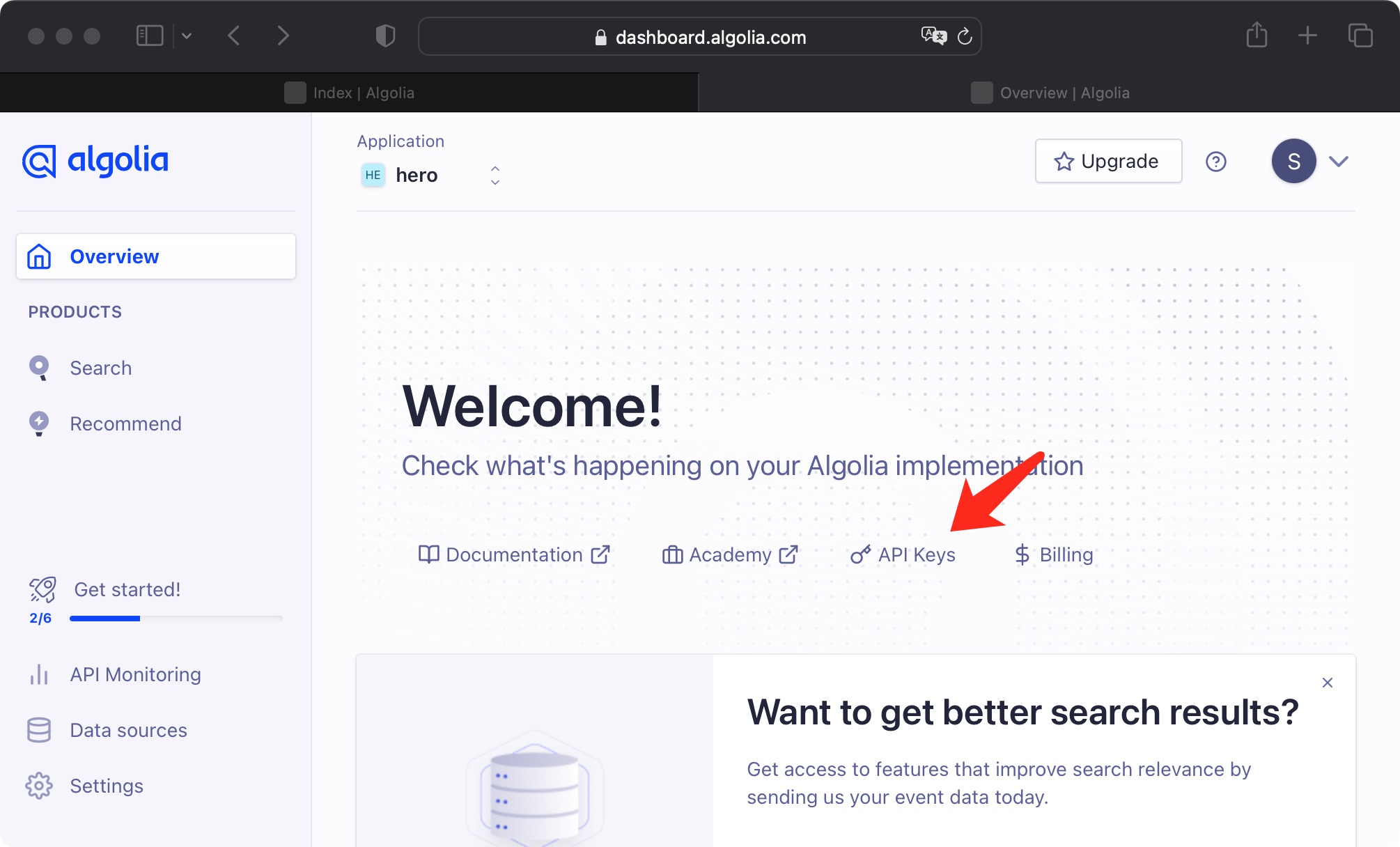
Put the site indexing configuration in the Hexo root _config.yml, not the theme’s _config.yml.
Configure the indexing key
The browser-facing search-only key is different from the administrative indexing key. Keep the administrative key out of Git and provide it through an environment variable:
1 | export HEXO_ALGOLIA_INDEXING_KEY='YOUR_ADMIN_API_KEY' |
Then, from the root of the Hexo site, upload the search records:
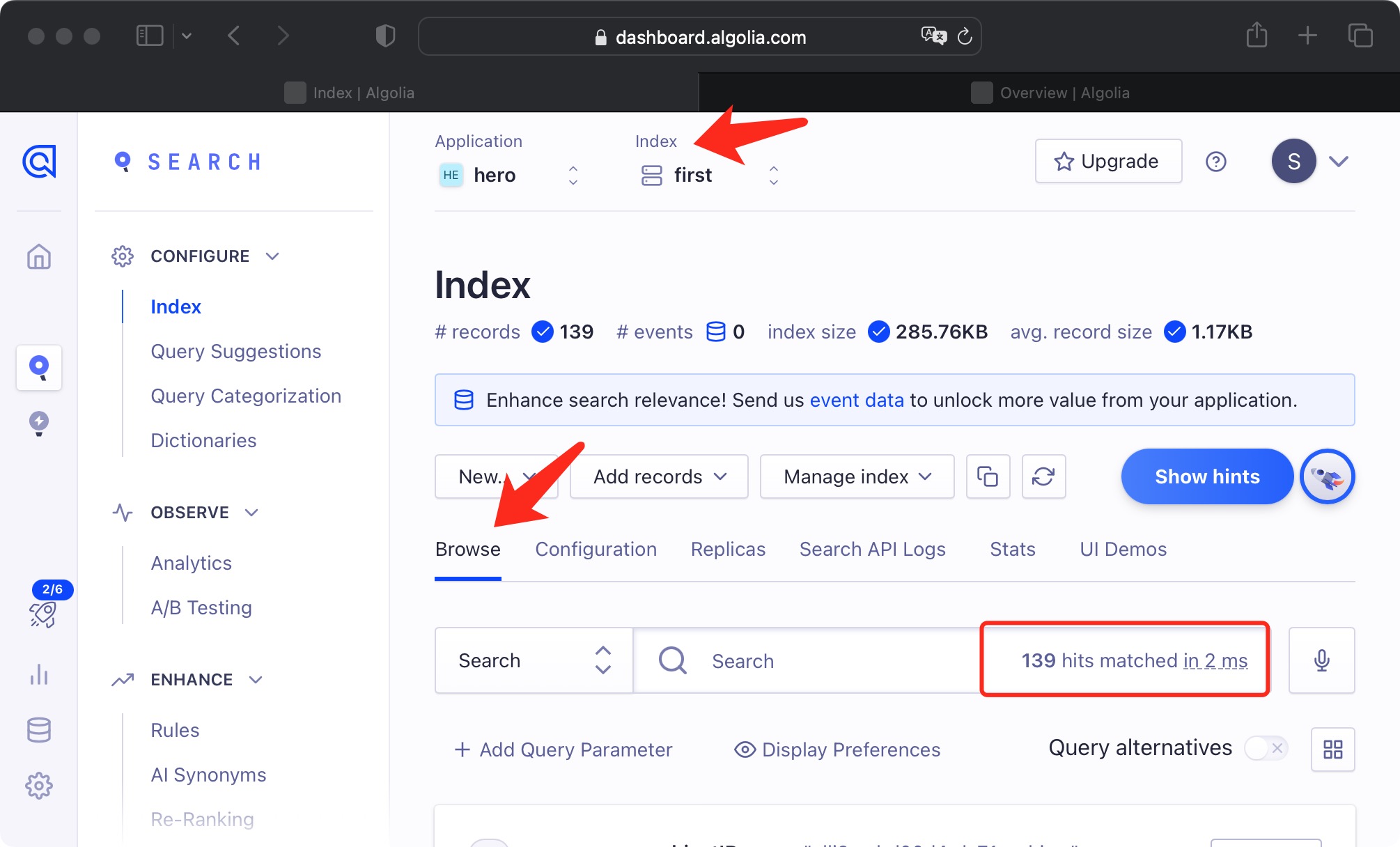
1 | hexo algolia |
The indexed records should appear in the Algolia dashboard.
Never commit an Admin API key or put it in client-side code. If a real key has ever been published, revoke and rotate it in Algolia before continuing.
Rebuild and deploy
1 | hexo clean && hexo generate --deploy |
After deployment, the configured search interface should return results from the new index.