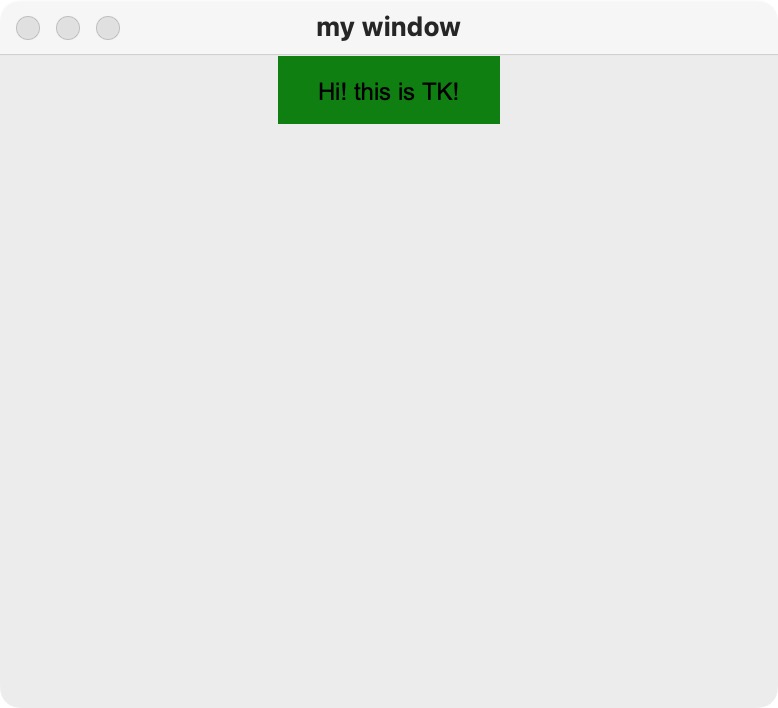
While experimenting with Python GUI programming on macOS, my first Tkinter window rendered incorrectly:

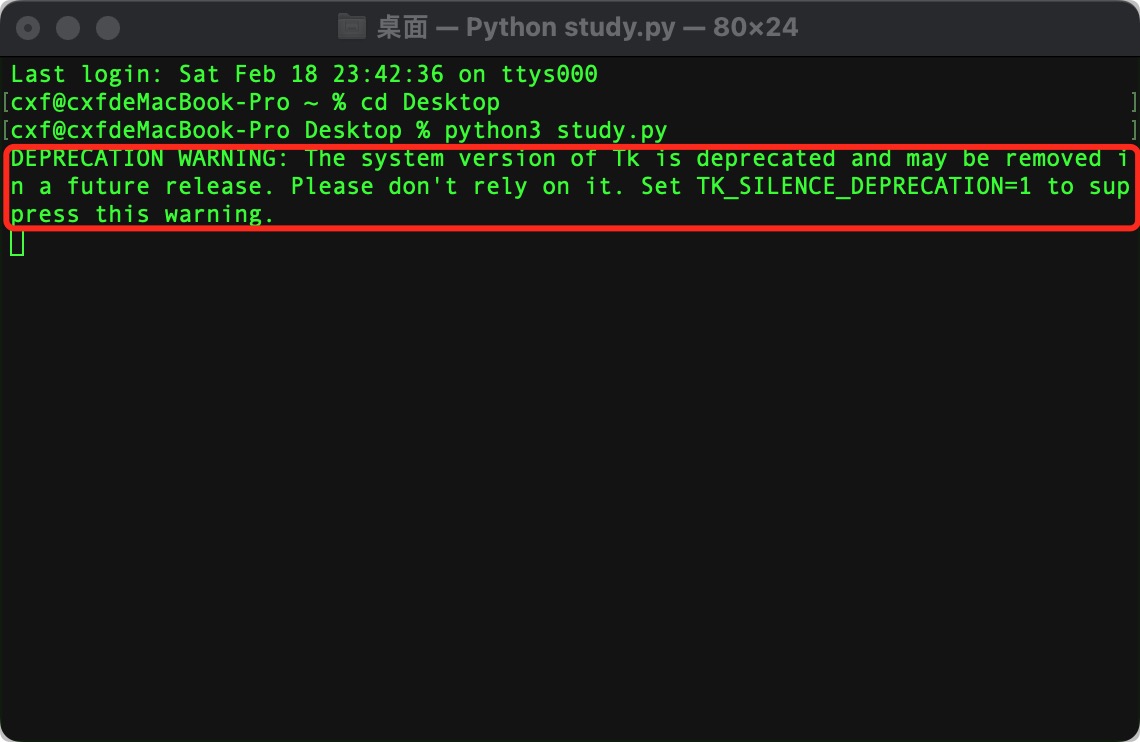
The terminal displayed this warning:
1 | DEPRECATION WARNING: The system version of Tk is deprecated and may be removed in a future release. Please don't rely on it. |
Conda can isolate both a Python interpreter and its packages, which makes it useful when the system Python/Tk combination is unsuitable. Miniconda provides Conda and Python without the much larger collection bundled with Anaconda.
Download the current installer from the official Miniconda documentation and follow the instructions for your Mac’s processor architecture. After installation, restart the terminal and verify it:
1 | conda --version |
Create an isolated environment. Use a currently supported Python version unless a project specifically requires an older one:
1 | conda create -n tkinter-demo python=3.12 tk |
Leave the environment with:
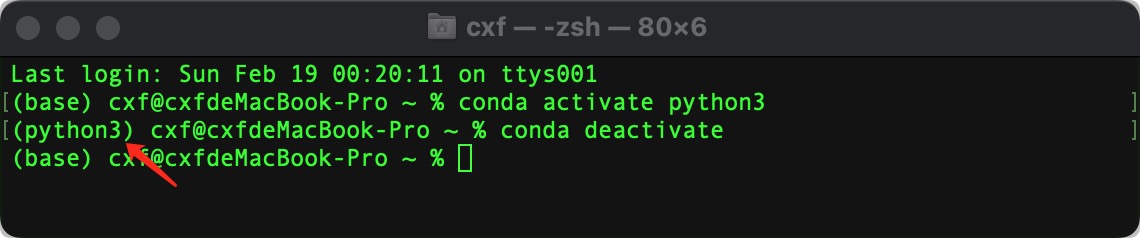
1 | conda deactivate |
The active environment name appears in the shell prompt:
After switching away from the deprecated system Tk, the program displayed as expected: