A scripted Cocos Creator iOS export failed with:
1 | run cmake failed "cmake -S ... -GXcode ...", code: 1, signal: null |
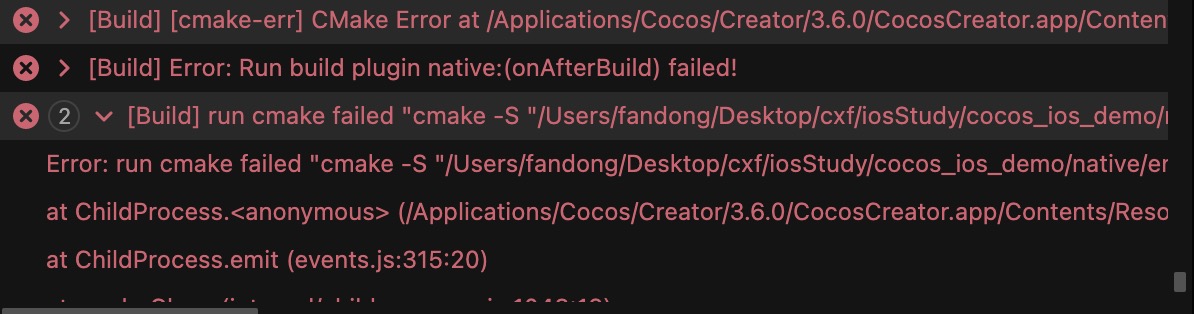
The message is misleading: the problem was not the locally installed CMake. The important line was:
1 | [Assets] Command failed: xcrun xcodebuild -version |
This normally means Xcode or its command-line tools are missing or incorrectly configured.
Install the command-line tools:
1 | xcode-select --install |
Then select the developer directory:
1 | sudo xcode-select --switch /Applications/Xcode.app/Contents/Developer |
Restart the terminal or Mac after applying the configuration.

