In a Cocos Creator 3.7.2 iOS build, tapping an EditBox may show a small native input field above the system keyboard. This is not a rendering error: the engine uses UITextField or UITextView on the native side to receive text.
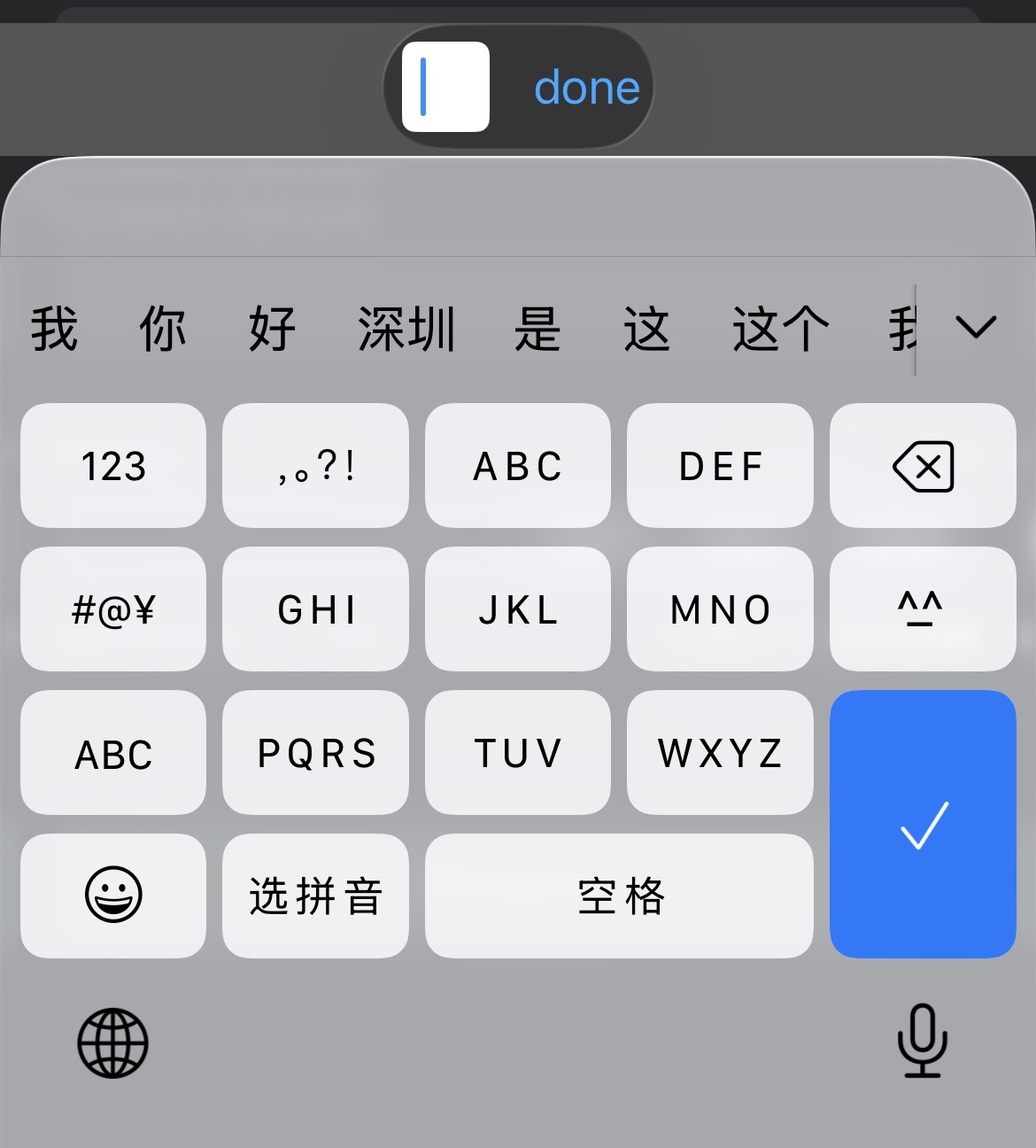
Where the behavior comes from
The relevant native implementation is EditBox-ios.mm in the Cocos engine source used to build the exported Xcode project. The precise path varies by engine installation and build mode, so locate the file from Xcode or search the engine source for the iOS EditBox implementation.
Before changing it, make a copy of the original file and record the engine version. An engine update or a fresh export may overwrite the modification.
Prefer styling over removing the control
Do not simply hide or delete the native input object. iOS still needs it for focus, marked text, predictive input, selection, and input-method editor composition. Removing it can cause missing characters or broken behavior for Chinese, Japanese, and other composed input.
Instead, keep the real control active and make it visually unobtrusive. In the code that configures the UITextField or UITextView, use a transparent background and text, remove its border, and place it where it does not cover game UI:
1 | textField.backgroundColor = UIColor.clearColor; |
Use the actual variable name from the engine version. If the implementation uses a UITextView, apply the equivalent properties to that object. Keep the native control in the view hierarchy and allow it to become first responder.
Rebuild and test
After changing the engine source, clean and rebuild the iOS target. Test all of the following on a real device:
- Latin and composed-language input;
- deletion, cursor movement, paste, and return;
- single-line and multiline edit boxes;
- keyboard dismissal and repeated focus changes;
- rotation and safe-area layouts.
If the field remains visible, verify that the exported project is compiling the modified engine source rather than a cached or prebuilt library. For a maintainable project, keep the adjustment as a small patch that can be reapplied and reviewed whenever Cocos Creator is upgraded.

