This deployment has two parts: pushing Hexo’s generated static files to the server, and configuring a web server to serve that directory.
Upload generated files with Git
Create a dedicated Git user
1 | sudo adduser git |
Configure SSH access for that account. Add your public key to ~git/.ssh/authorized_keys, then apply restrictive permissions:
1 | sudo mkdir -p /home/git/.ssh |
Test from your local terminal:
1 | ssh -v git@SERVER_IP |
Create the bare repository and web directory
1 | sudo mkdir -p /www/git /www/wwwroot/hexo |
Create /www/git/blog.git/hooks/post-receive:
1 |
|
Make the hook executable:
1 | sudo chmod +x /www/git/blog.git/hooks/post-receive |
The dedicated account needs write access only to the repository and deployment directory. Avoid granting it unrestricted sudo access.
Configure Hexo
In the root _config.yml:
1 | deploy: |
Deploy with:
1 | hexo clean && hexo generate --deploy |
Serve the website
Install and configure Nginx, then create a virtual host whose document root is /www/wwwroot/hexo. Point the domain’s DNS records to the server and obtain a valid TLS certificate so the site can be served over HTTPS.
The original setup used the BaoTa control panel to add the site and choose the same document root:
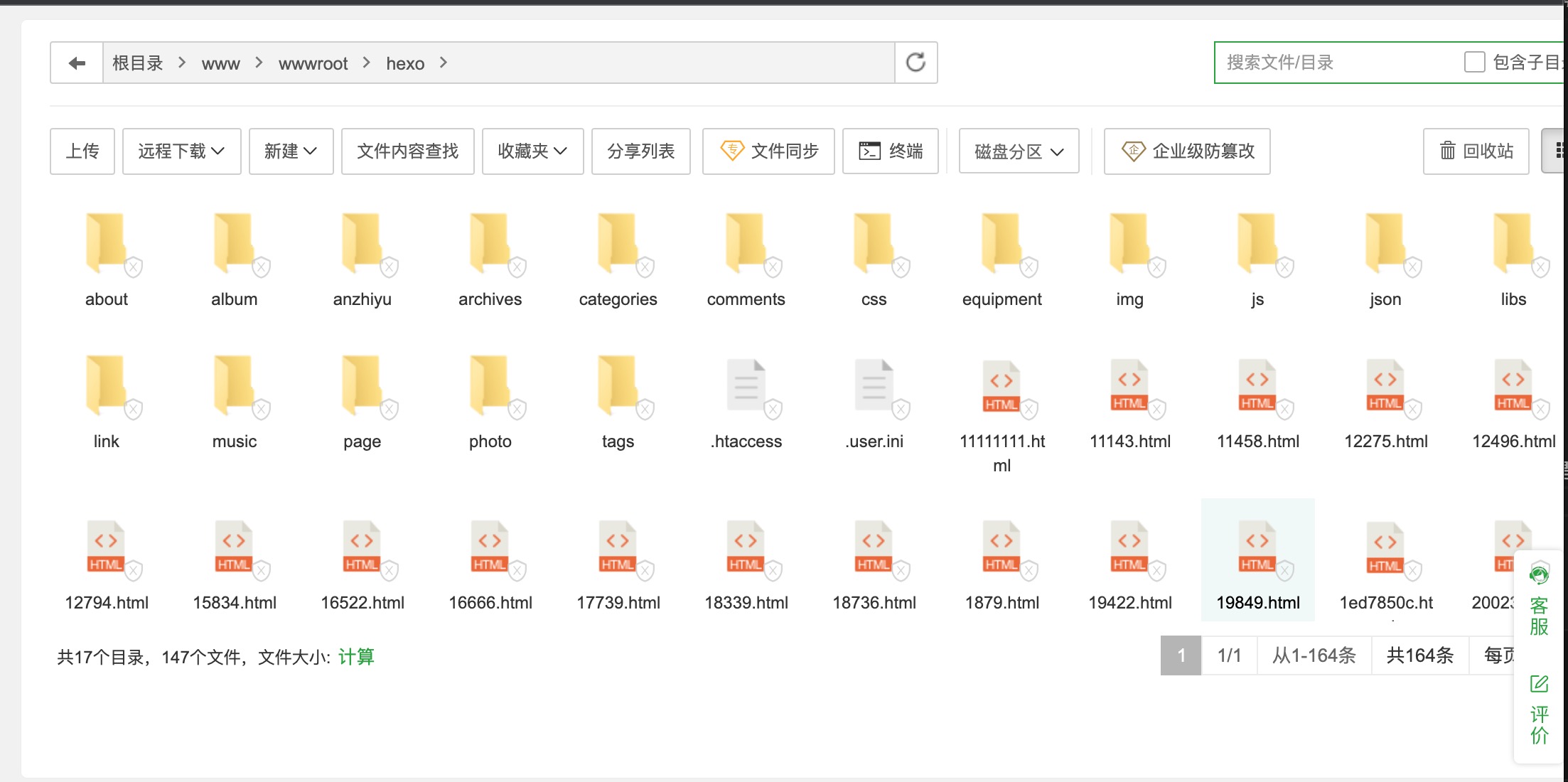
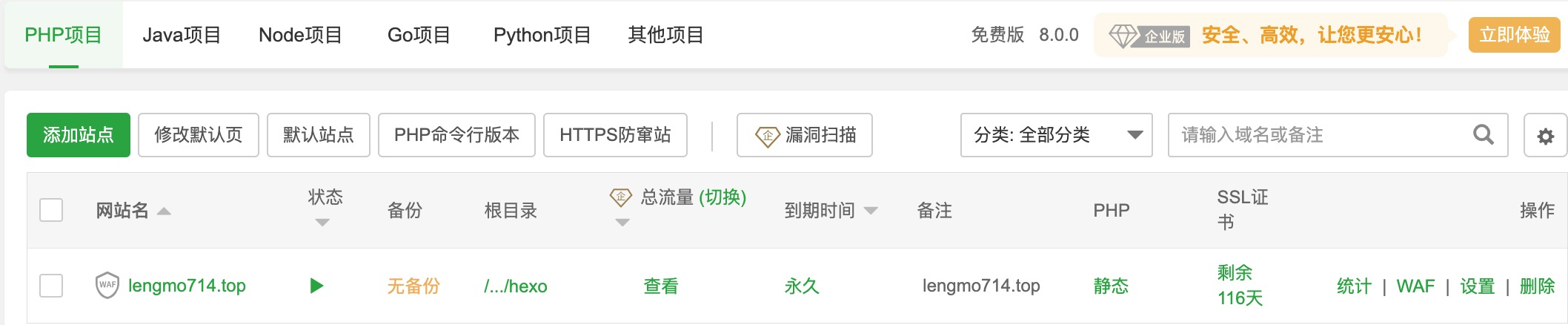
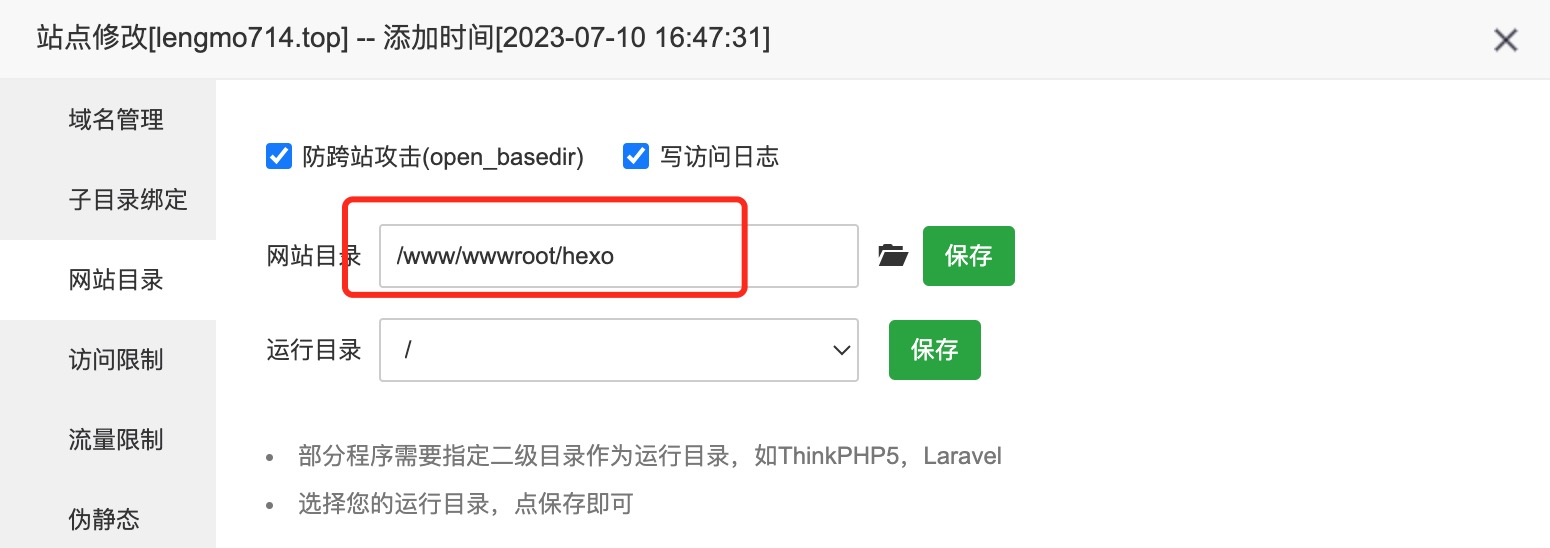
Common problems
- The domain does not open: verify the Nginx document root, DNS records, firewall/security-group rules, and TLS configuration.
- Files do not deploy: verify ownership and write permissions for the bare repository and deployment directory, then inspect the Git hook output.
- SSH fails: confirm the public key,
authorized_keyspermissions, account shell, and server SSH logs.

