Cocos Creator version: 3.7.2.
By default, an exported Android project hides the phone’s status bar, including the clock and battery information. After trying several approaches, this is the solution that worked for me.
Solution
Modify CocosActivity.java and Utils.java. Note that the first file is CocosActivity.java, not AppActivity.java.
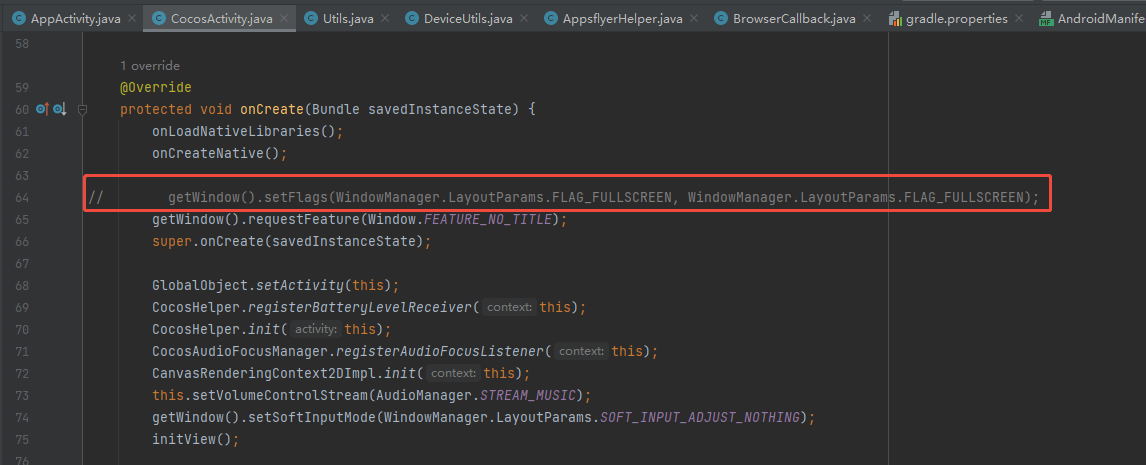
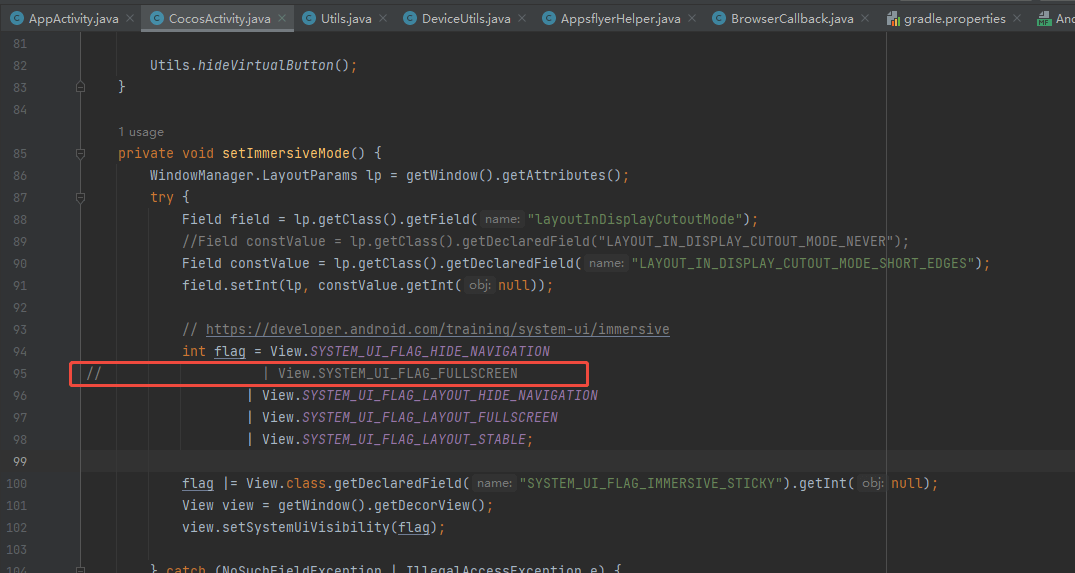
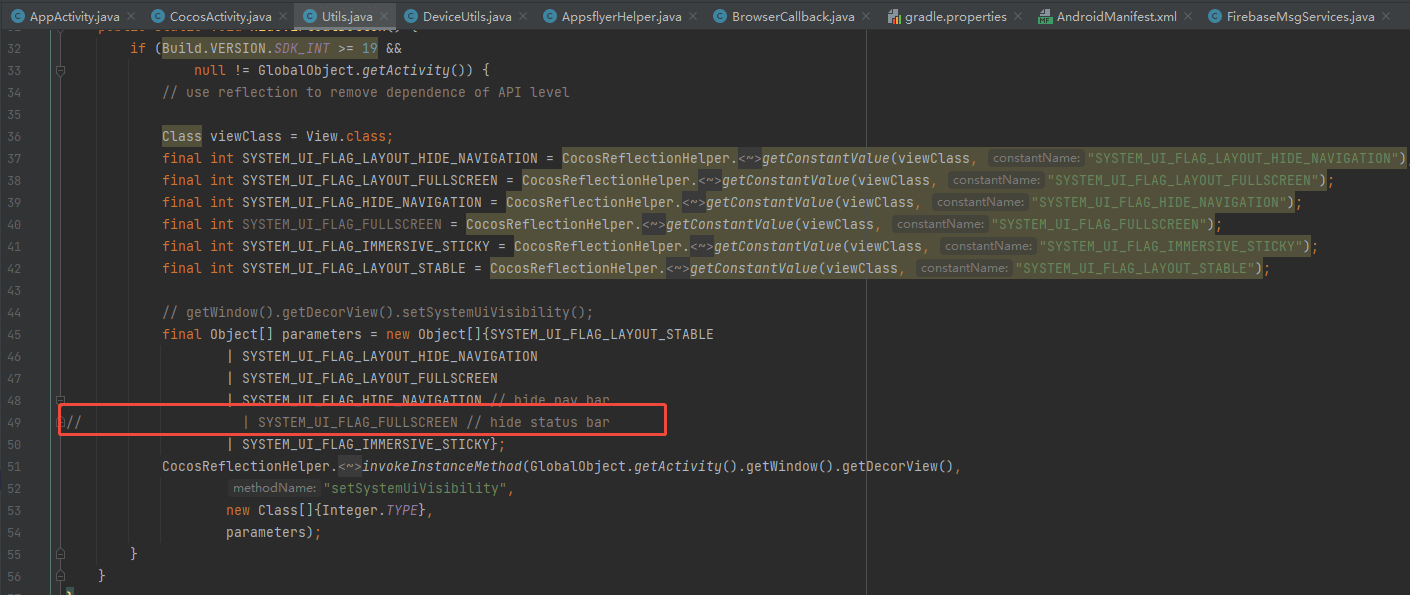
The main change is to comment out the three lines highlighted in those images. The resulting status-bar color may not match your design, so customize it if necessary.
Optional custom theme
In AndroidManifest.xml, change the android:theme attribute to:
1 | android:theme="@style/CustomTheme" |
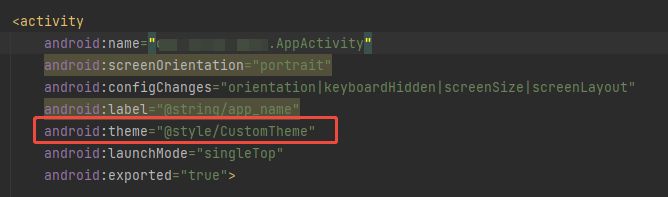
Create res/values/styles.xml:
1 |
|
Rebuild the project and the status bar should be visible.

