While building the iOS version recently, I discovered a serious problem: the version uploaded to App Store Connect did not match the version I had built locally.
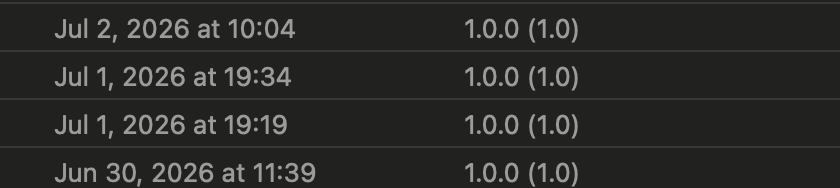
At first, I did not pay much attention because all of my archives appeared to use the same version. When I was ready to submit the app for review, however, I could not find the build I had uploaded the previous day. Locally, it looked like this:
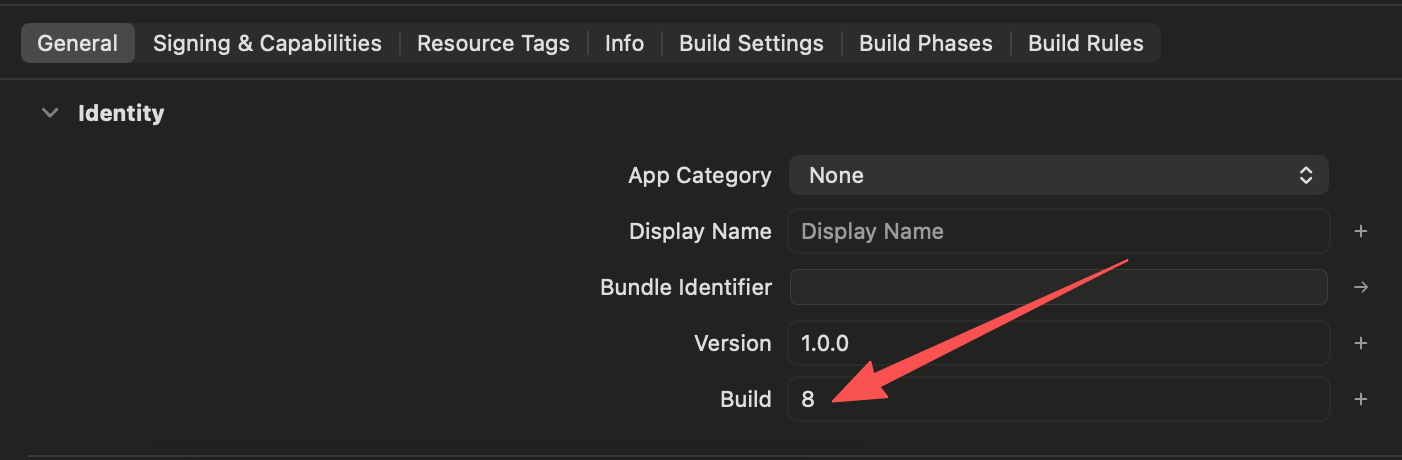
The 1.0.0 (8) build was missing from App Store Connect. After checking the project carefully, I found that setting Build = 8 in Xcode had not updated the Info.plist used by the final .app bundle.
Solution
- Find the
Info.plistactually used by the archive. OpenBuild Settingsand search forInfo.plist File. - Open that file in an editor. I prefer viewing it as XML.
- Find
CFBundleShortVersionStringandCFBundleVersion, then update their values.
For example:
1 | <key>CFBundleVersion</key> |
Manually editing the file before every archive is inconvenient. A better permanent solution is:
1 | <key>CFBundleVersion</key> |
The archived app will then use the current project build number automatically.

